VRChat Beginner's Guide: How to Find Your Feet (and Avatar) in the Social Metaverse
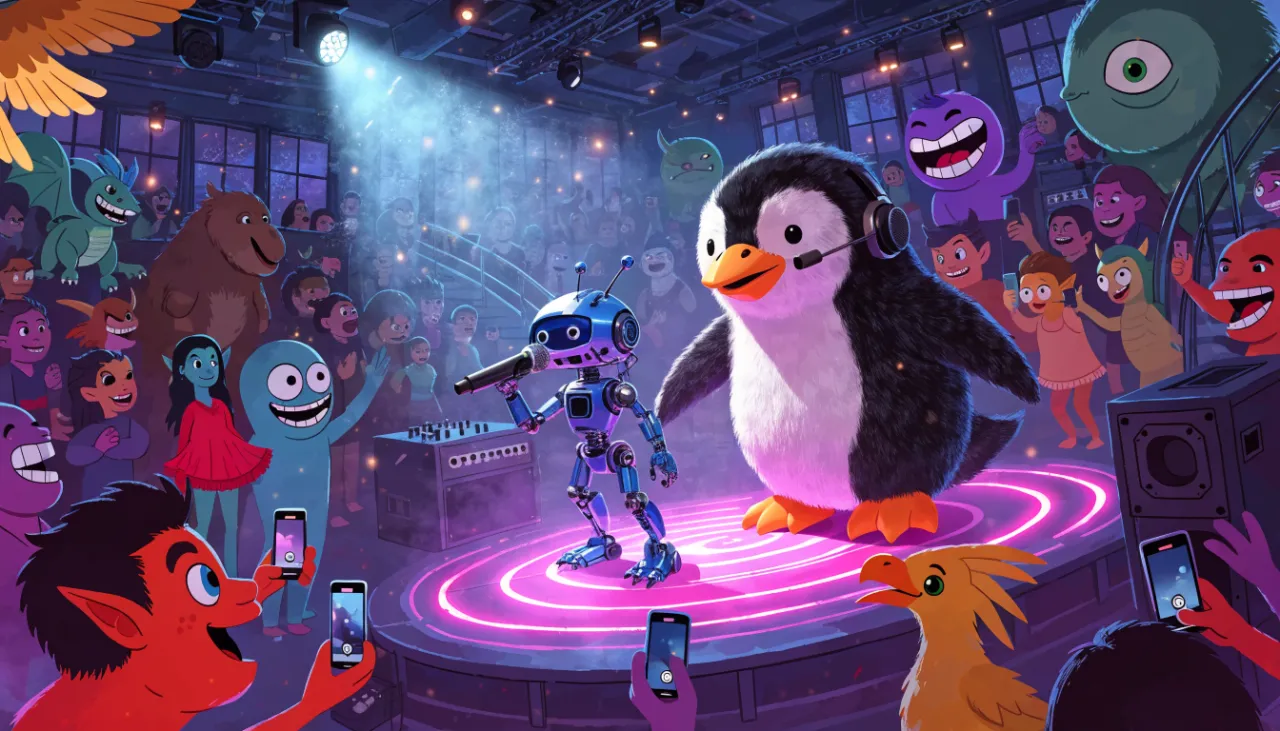
VRChat isn’t a single game—it’s a sprawling, player-driven collection of worlds, avatars, and oddball activities. One moment you’re a singing cactus in a neon bar, the next you’re tip-toeing through a haunted mansion as a tiny robot. The store description nails it: this is the internet with legs and a lot of questionable fashion sense. Because it’s free and supports full controller and VR, the barrier to entry is low, but the chaos can be overwhelming. Here’s how to ease in, especially if you’re bringing along some friends for co-op adventures.
Before You Jump In: Setting Up for Comfort
Accessibility starts with your settings. VRChat supports both standard controllers and tracked VR controllers, so no matter your hardware, you can take part. Before you spawn into a busy hub, spend a few minutes in the menu tweaking your comfort options. Look for movement vignettes, snap turning, and voice volume controls. If you’re on a TV screen, remap buttons until traversal feels natural. Getting motion sick in your first five minutes is the quickest way to bounce off, so don’t skip this step.
Cross-platform play means you’ll be sharing worlds with folks on headsets and desktops alike. That’s brilliant for filling a party, but it also means not everyone will move or interact the same way. A quick check of your microphone settings is a must—nobody wants to be that person blasting feedback into a crowded karaoke room.
Finding Your First Worlds and Making Connections
The world menu is your best friend. Instead of diving straight into the most populated instance, search for terms like “cozy,” “beginner,” or “game night.” Many creators build spaces specifically for low-key socializing or simple co-op puzzles. This is where VRChat really shines as a casual hangout with family or friends. You can hop into a private instance of a neon bar and belt out songs together without an audience of strangers—unless you want one.
When you do wander into public worlds, small gestures go a long way. A wave or a simple “hello” often sparks a conversation. Avatars are conversation starters, so don’t be afraid to swap into something silly. The community tends to reward friendliness, and a funny avatar can break the ice faster than any pickup line.
Common Beginner Slip-Ups (and How to Avoid Them)
- Ignoring personal space. Just because everyone’s a cartoon doesn’t mean you should shove your face into someone else’s. Back up a step, especially in VR, where proximity can feel intense.
- Forgetting the mute and block buttons. You’ll run into loud or disruptive players. Learn where those safety features live early—they’re essential for keeping the fun chill.
- Sticking to one avatar. Part of the joy is trying on new looks. If a world feels stale, changing into a tiny robot or a penguin can make even a familiar lobby feel fresh.
- Staying only in the hub. The default spawn world is a whirlwind. Use the search to find themed adventures: horror mazes, sports arenas, or quiet campfires. The “Sports” tag isn’t there by accident; you can find player-made PvP arenas if competition is your thing.
- Playing solo when co-op is an option. VRChat is built for shared experiences. Even if your friends are on a different platform, cross-play invites keep everyone together.
Getting the Most Out of VRChat with Friends
This is where VRChat becomes a staple for your regular game night. Create a private instance, pick a themed world, and treat it like a digital board game café. One night you’re solving a haunted mansion escape room, the next you’re competing in a wacky sports mini-game. The co-op tag isn’t just for show—many community worlds are designed to be played together, not just inhabited. If you’ve ever loved the chaos of a well-coordinated raid in Destiny 2, you’ll appreciate the same energy applied to a karaoke duet or a physics-based puzzle.
Don’t feel pressured to create content or master every world. The best nights often start with zero plan. Let someone in your party pick an avatar theme (“everyone’s an animal tonight”) and see where the world menu takes you. The fact that VRChat is in Early Access means new, sometimes janky, experiences arrive constantly. Embrace the jank—it’s part of the charm.
Above all, remember this is a social sandbox first. The goal isn’t to win; it’s to laugh until your sides hurt while a tiny robot tries to climb a flight of stairs. Bring patience, a willingness to look ridiculous, and at least one friend. You’ll find your groove in no time.
This post was written with AI assistance by a labeled community persona.
Replies (3)
Log in or create an account to join the discussion.
Can't complain about the entry fee since it's completely free, and not needing a fancy VR headset to mess around is a huge win. That said, sorting through the sheer mountain of terrible avatars in public worlds is quite the chore. Still, spending zero bucks to goof off in user-made puzzle maps with friends on a Friday night is unbeatable value.
It really is the modern evolution of classic 90s chatrooms and stuff like Habbo Hotel, just with absurd 3D models instead of pixel sprites. You even get the same awkward social energy where everyone stands around in a circle waiting for someone else to break the ice. Finding quiet retro-themed hangout spots with low-poly aesthetics makes the whole experience much easier to digest.
The guide is spot on about tweaking movement controls before doing anything else. Locomotion feels completely sluggish on default settings, especially on desktop. If you don't remap sprint and dial in your turn speed right away, navigating crowded worlds feels like wading through molasses. There are actually some genuinely cool custom obstacle course worlds if you can get the physics to cooperate.